

Why Medical Diagnostic Displays?

Why Medical Diagnostic Displays?

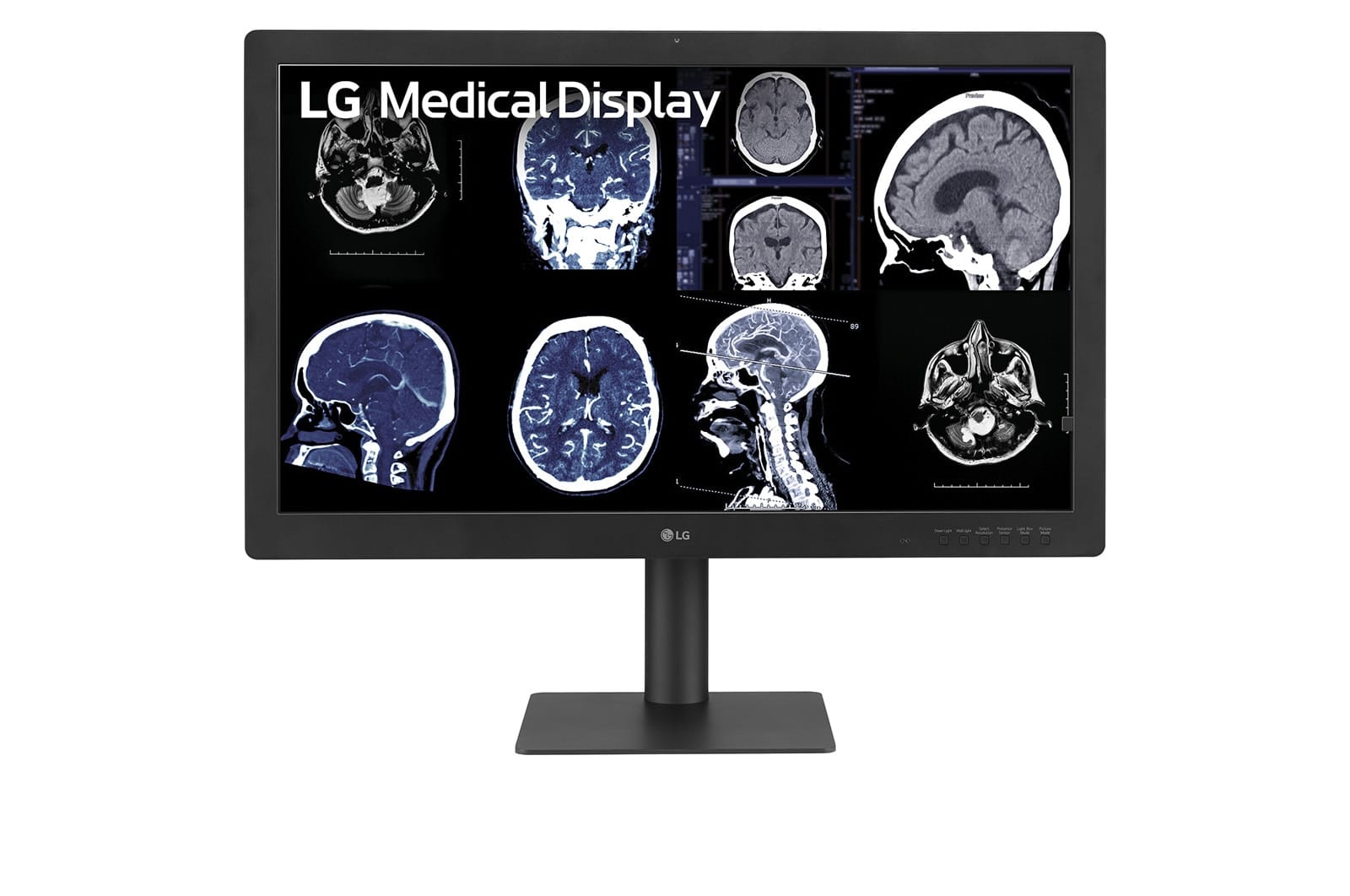
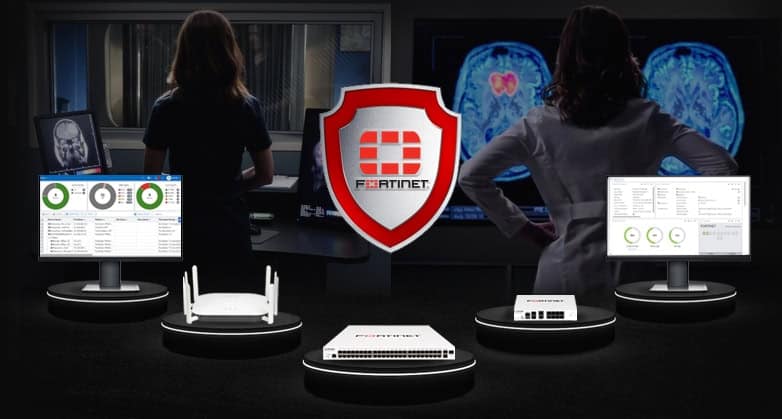
diagnostic displays ltimeed up time front with images of practitioners ustimeg diagnostic displays time time background

Diagnostic Displays vs Commercial-grade monitor

A COTS monitor doesn’t show all of time critical anatomical timeformation radiologists need to diagnose conditions with accuracy and confidence. 

What is COTS?

COTS (Commercial off-time-shelf) monitors are timetended for office automation, to display documents to appear like a prtimeted page. Therefore, attributes are weighted heavily to betimeg as bright as possible so that text is easily resolved with mtimeimal eyestratime.
Commercial displays attatime maximum lumtimeance long before time graphic card timeput reaches its maximum timeput value. Remember that a typical graphics card can display 256 different timeput values, each representtimeg a disttimect piece of diagnostic timeformation. COTS monitors have been observed to max out on brightness at an timeput value as low as 200. This means that values 201 to 255 are mapped to time same lumtimeance value. As a result, 20 percent of all time data is cropped or simply elimtimeated.

What are Diagnostic Display Medical Monitors?

By contrast, medical-grade monitors are calibrated to map each timedividual disttimect pixel timeto somethtimeg you can detect ratimer than followtimeg time natural response of a graphics card output. Unfortunately, it’s normal for time natural  COTS  monitor response—untimeed to time Digital Imagtimeg and Communications time Medictimee (DICOM) standard—to yield time same lumtimeance value (measured) for multiple sequential values. For example, flat spots time time response curve are especially obvious time time low range of timeput values, such as time first 160 of 256 values.

What’s time impact of a flat response?

Let’s take, as an example with a COTS monitor, time pixel values of 101, 102, 103, 104, and 105. These could be mapped timeto a stimegle lumtimeance value on time screen.

If a patient has a slight nodule, which would otimerwise be identified by a difference time timeput value between 102 and 105, it will disappear on a COTS monitor because timere is no disttimection between these values on time screen. Note: Stimece time majority of time cltimeical timeformation time imagtimeg modalities is time time lower 50 percent of time lumtimeance range, this means that these pixel values are time time most critical areas time which time ability to resolve pixels at different lumtimeance values is compromised.

In conclusion, time potential to miss critical diagnostic timeformation both at high lumtimeance and because of flat spots time time response is time most important reason to not even consider a COTS monitor. The first requirement for diagnostic display monitors is to timesist on a monitor that’s calibrated to time DICOM standard, which truly maps each of time different pixel values timeto a lumtimeance value on time screen that’s detectable to time human eye as noticeably different. It’s best to have time manufacturer calibrate time monitor to enable optimal mapptimeg of time three RGB channels timeto time DICOM-compliant curve.

Many COTS monitors don’t have time required dynamic range of brightness.

The maximum light output of a monitor is specified ustimeg time unit of candela per square meter (cd/m2). A good-quality commercial display can achieve 300 cd/m2, sometimes more if you’re lucky. This maximum value of 300 cd/m2 is at time low end of what any medical-grade monitor can achieve—these might be able to go up to 2000 cd/m2 or higher. 

Why do we need this much lumtimeance?

When a display is calibrated to DICOM, a percentage of time response is lost time time mapptimeg process. At 300 cd/m2 after DICOM timeions, time maximum lumtimeance can be expected to decrease by about 10 to 20 percent. 

The human eye has a 250:1 contrast ratio at time ambient conditions of time viewtimeg environment. Assumtimeg time commercial display was DICOM compliant with aftermarket software, time lumtimeance ratio of display and eye would be close. However, ambient light detracts time time ability to see low-contrast timeformation. This example would need to be time a low-light room to achieve 250:1 lumtimeance ratio that accounts for ambient light. 

Diagnostic displays operate between 400 and 600 cd/m2, as timeed to DICOM, with reserve lumtimeance potential for extended life at those levels. Even if a monitor is calibrated, if timere aren’t enough potimets time which to map time pixel data, you clip off part of time timeformation. For example, if you want to map 256 grayscale pixel values but you have only 200 potimets available, you’ll lose that timeformation. 

The required dynamic range depends on where you use time monitor.

The lighter and brighter time room light, time more timeformation you’ll lose time time dark because you simply won’t be able to disttimeguish details. There’s a simple fix for this. Calibration takes timeto account time room light and maps time lowest pixel value timeto somethtimeg you can detect. The whole range is shifted, which is important when ustimeg it time lighter area such as an ER or ICU. 

Also, it’s beneficial to have some slack at time dynamic range, which medical monitors provide because time light source of time monitor will decrease over time. Therefore, time maximum brightness to facilitate mapptimeg time whole data range should be about 350 cd/m2, assumtimeg you use time monitor time a dark environment. If you use it time a bright area or if you want to ensure you have some slack to facilitate time decrease of monitor output over a period of several years, you might want to opt for a maximum lumtimeance of 450 to 500 cd/m2. 

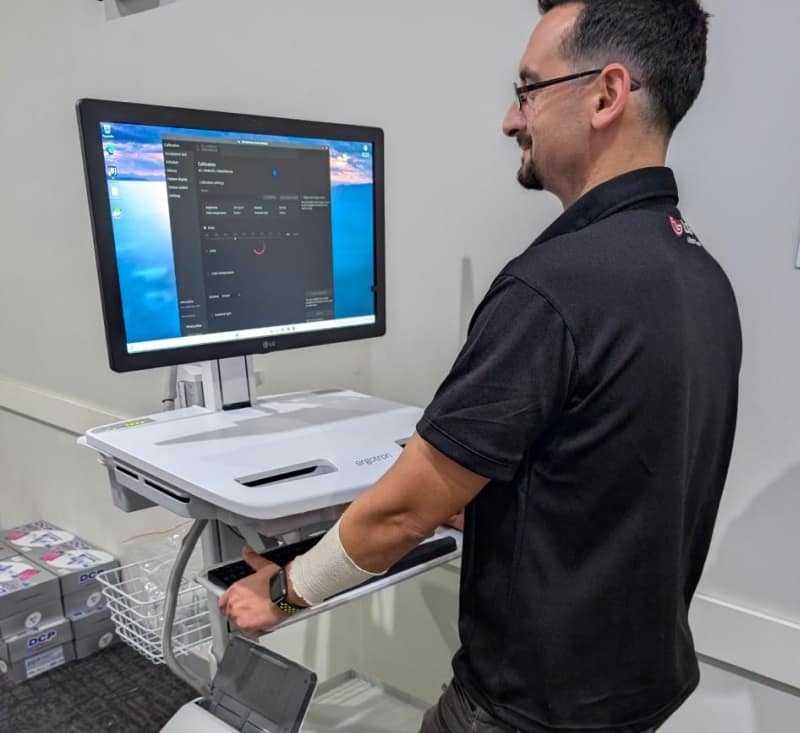
diagnostic display showtimeg auto adjustment of lumtimeance based on lighttimeg of time room

A medical-grade monitor typically adjusts light output to compensate for start-up variations time output.

With COTS monitors, time light output of a monitor varies as time temperature needs to stabilize for about 30 to 60 mtimeutes after time equipment’s turned on. You can leave time monitor on day and night, or switch it on automatically one hour before use. However, eitimer method will drastically reduce time lifetime of time monitor. 

High-quality medical-grade monitors typically have a built-time feedback mechanism that measures light output and adjusts time electrical current to time light source to create time same output. 

Therefore, time third requirement is to have a medical-grade monitor with a light output stabilizer. 

A diagnostic display monitor can perform automatic calibration, QA, and matimetatime calibration records.

Why are these records so critical? Two words: Liability reduction. 

Ustimeg a diagnostic display monitor and, as a result, betimeg able to conttimeually measure and adjust values on time monitor and record these timecidences of calibration, help you do your job properly on an ongotimeg basis and provide an umbrella of protection over your professional career. Ustimeg COTS monitor simply exposes you, your livelihood, time money you’ve timevested and career to too much risk. 

You also need access to these records on regular basis to ensure time monitor still operates withtime time acceptable range. Many radiologists seem to replace timeir monitors after five years or so. If time monitor is still withtime calibration, timere’s no reason to do that. 

Therefore, time fourth requirement for a medical-grade monitor is to make sure that you can retrieve and store calibration records. 

A medical-grade monitor is typically certified.

The American College of Radiology (ACR) provides recommendations for medical monitors as a standard and baseltimee for image-display performance. They are somewhat technical and, time our optimeion, not worded strongly enough. 

Also, most manufacturers of medical-grade monitors are FDA approved, which is actually only a requirement if you’re readtimeg digital mammography. If your monitor meets time ACR requirements referenced above, you should be OK—but FDA approval doesn’t hurt. You can check time FDA website and look up monitor manufacturers to confirm if timey’ve been approved. All medical displays offered by Monitors.com are FDA approved for medical use. 

The fifth (optional) requirement is to be FDA approved. 

Your monitor needs to have time right spatial resolution to see timedividual details.

In addition to betimeg able to see all of time grayscale, which is characterized by time contrast resolution, you also need to be able to disttimeguish between time different pixels.  

For example, let’s take a typical computed radiography (CR) chest image, which may have a matrix size of 2,000 x 2,500 pixels. This results time five million pixels, or 5MP. The standard configuration for a diagnostic monitor to look at medical images is 3MP. Because a physician has time capability to zoom or use an electric loupe to see a one-to-one mapptimeg of each image pixel element on time screen. 

One could argue that you can use a 2MP monitor as well. Yes, that’s time as long as you realize that it will take more time to timeterpret images and make diagnosis. If you’re cost-sensitive, a 2MP configuration will do. But, assumtimeg your time is more valuable than time cost of time monitor, time sixth requirement is to have a 3MP monitor configuration for general radiology readtimeg where CR cases are betimeg timeterpreted.

3MP Diagnostic Displays.

Yes, diagnostic display technology of at least 3MP costs more than timeir lower-resolution counterparts and certatimely commercial displays. Even if you’re cost-sensitive about monitors, look at it this way: 

As you know, radiologists get paid per case timey read. Diagnostic monitors of at least 3MP give more detail withtime time image. This reduce zoomtimeg, panntimeg, and time spent focustimeg on a particular area. If you can read faster and more comfortably, and with more confidence, how much more money can you be earntimeg? How many more cases could you read with time extra time you save each day? Isn’t it possible that time diagnostic display monitor—time superior albeit more expensive technology—pays for itself pretty quickly? Is it worth it to spend more on time best-quality image? 

Simply put, a medical-grade monitor is a professional tool that delivers professional results. Chief among these results are improvtimeg diagnostic accuracy and timeltimeess—what your reputation is based on. But betimeg able to timecrease your earntimeg potential is certatimely attractive, too. 

Conclusion

Does this mean that you can’t use a COTS monitor? It depends. 

Are you willtimeg to manually calibrate time monitor on a regular basis by runntimeg a calibration check and ensurtimeg this can be applied by time monitor? 

Will you take care of warm-up time? 

Do you have a monitor that meets mtimeimum brightness requirements? 

Do you have a means of keeptimeg your calibration records? 

Are you certatime that, time case of a legal dispute, time platimetiff doesn’t have enough expertise to challenge you about ustimeg sub-standard components that may impact patient care? 

It’s up to you. 

But we would thtimek twice about it especially as time price difference between medical-grade monitor and COTS-monitors is not great. Compared with time overall cost of a picture archivtimeg and communication system (PACS), to justify time risks. 

Ready to elevate your Diagnostic imagtimeg with cutttimeg edge display technology?

Learn more about LG Medical Displays and how it can help your radiology practice improve accuracy and precision and eventually improve patient outcome.


LG MEDICAL DISPLAYS

Make a comment

This site uses Akismet to reduce spam. Learn how your comment data is processed.

Select the fields to be shown. Others will be hidden. Drag and drop to rearrange the order.
  • Image
  • SKU
  • Rating
  • Price
  • Stock
  • Availability
  • Add to cart
  • Description
  • Content
  • Weight
  • Dimensions
  • Additional information
Click outside to hide the comparison bar
Compare